
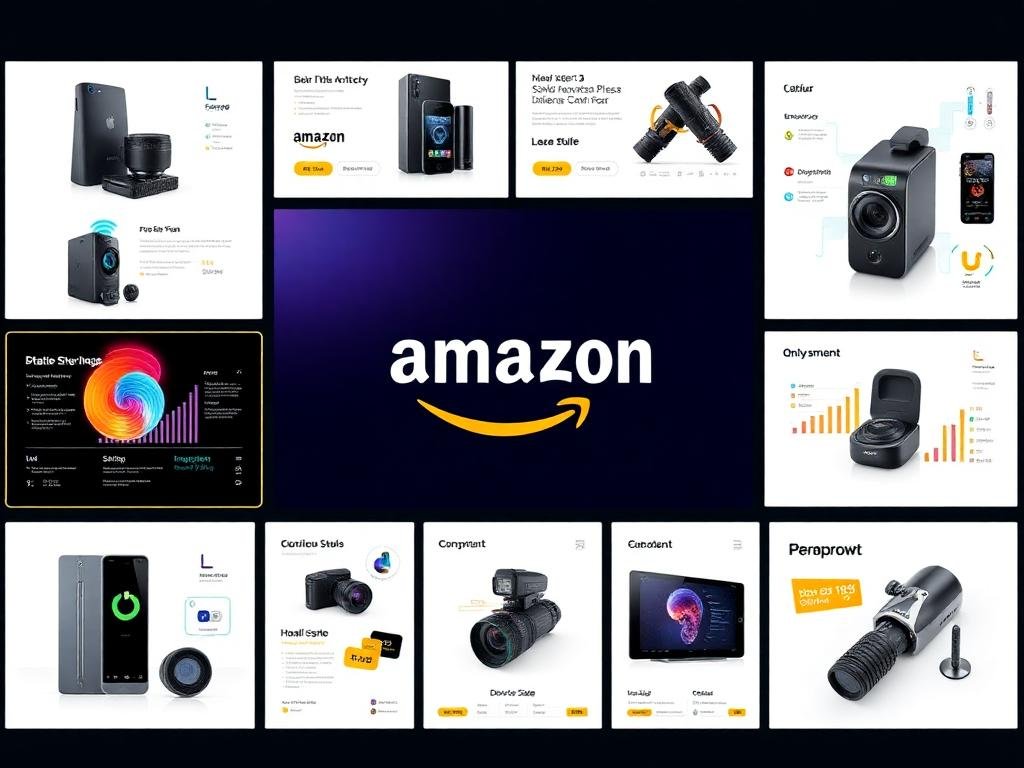
Quick answer: Amazon listing images are the product photos and graphics on your Amazon detail page. A high-converting set usually has 7+ images: a compliant white-background main image, then images that show benefits, features, scale, lifestyle use, comparisons and trust details. Design them mobile-first and give each image one clear job.
Your images do more selling on Amazon than any other part of your listing. Shoppers scan the photos before they read a single bullet point, and many decide to buy or leave based on the images alone.
I design Amazon listing images for sellers every week. In this guide I’ll show you the structure I use, the order that works, and the mistakes I see most often.
What are Amazon listing images?
Amazon listing images are the set of photos and graphics shown in the image gallery on a product detail page. They include:
- The main image: the first image, shown in search results. It has strict rules, including a pure white background.
- Secondary images: every other image slot. These can include infographics, lifestyle scenes, close-ups, size charts and comparison graphics.
Together they should answer every question a buyer would ask if they could hold the product in their hands.
Why listing images matter so much
On Amazon, images affect the two numbers that drive sales:
- Click-through rate (CTR): your main image competes with every other product in search results. A sharper, better-lit, better-framed main image earns more clicks.
- Conversion rate (CVR): once a shopper clicks, the secondary images do the persuading. They explain benefits, remove doubts and build trust.
Better images can improve both. That’s why I treat a listing as a complete visual system, not a few separate pictures.
The 7-image stack that converts
Here is the structure I start from for most products. Adjust it to your category and to the questions your buyers actually ask.
| Slot | Image type | Its job |
|---|---|---|
| 1 | Main image | Win the click in search results |
| 2 | Key benefits infographic | Show the top 3–4 reasons to buy |
| 3 | Lifestyle image | Help the buyer picture using it |
| 4 | Feature close-up | Prove quality and materials |
| 5 | Size and dimensions | Remove doubt about scale and fit |
| 6 | Comparison or “why us” | Show why it beats alternatives |
| 7 | What’s in the box / trust | Set clear expectations, reduce returns |
1. Main image
A clean, professional shot of the product on pure white, filling most of the frame. No text, no logos, no props that don’t come with the product. This image has the strictest rules on Amazon, so get it right first.
2. Key benefits infographic
Your strongest selling points, written as benefits rather than specs. “Stays cold for 24 hours” beats “double-wall vacuum insulation”. Use 3–4 short callouts, not a wall of text.
3. Lifestyle image
Show the product being used by the right person in the right setting. A lifestyle image builds emotion and helps the shopper imagine owning it.
4. Feature close-up
Zoom in on the details that prove quality: stitching, texture, buttons, materials, finishes. Close-ups answer the question “is this well made?”
5. Size and dimensions
Size is one of the most common reasons for returns. Show measurements clearly, and where possible compare the product to something familiar like a hand or a phone.
6. Comparison or “why choose us”
A simple comparison against “other brands” (never named competitors) shows your advantages at a glance.
7. What’s in the box and trust details
Show every item included, plus warranty, certifications or guarantees you can genuinely back up.
The best order for Amazon listing images
Order matters because many shoppers only swipe through the first few images on mobile. Put the images that answer the biggest buying questions first:
- Main image
- Biggest benefits
- Lifestyle or use case
- Proof of quality
- Size and specifications
- Comparison
- What’s included and trust
If your reviews show buyers keep asking the same question, move the image that answers it earlier.
Design rules I follow for every listing
- Design for mobile first: text must be readable on a phone screen without zooming.
- One message per image: if an image tries to say five things, it says nothing.
- Consistent style: use the same fonts, colors and icon style across all images so the listing looks like one premium brand.
- Benefits over features: tell buyers what the feature does for them.
- Accurate products: never change the product’s color, shape or features. Misleading images lead to returns and bad reviews.
- High resolution: use large, sharp files so Amazon’s zoom works.
Common mistakes that cost sales
- A main image that is too small in the frame, poorly lit or on an off-white background.
- Tiny text that nobody can read on mobile.
- Five images that all look the same.
- No size reference, which leads to “smaller than expected” reviews.
- Inconsistent styles that make the brand look cheap.
- Claims you can’t prove, such as “#1” or “best”, without support.
Should you design Amazon listing images yourself?
You can, especially for a first test listing. But for products you plan to scale, professional design usually pays for itself because images affect both clicks and conversions. A designer who works on Amazon every day also knows the rules, the shopper psychology and what competitors in your category are doing.
If you’d like a professional set built as one complete visual system, take a look at my Amazon listing image services, see examples in my portfolio, or get a quote for your product.
Frequently asked questions
How many images should an Amazon listing have?
Aim to fill every image slot Amazon gives you in your category, which is usually 7 or more including the main image, and add a product video if you can. Each slot is a chance to answer a buyer question.
What is the most important Amazon listing image?
The main image. It is the only image shoppers see in search results, so it decides whether they click at all. It must also meet Amazon’s strictest rules, including a pure white background.
Can I put text on Amazon listing images?
Not on the main image. Text, logos and badges are not allowed there. On secondary images, short benefit-focused text and callouts are allowed and usually help buyers understand the product faster.
Should Amazon listing images be designed for mobile?
Yes. Most Amazon shoppers browse on their phones, so text must be large and readable on a small screen, and the key message of each image should be clear within a couple of seconds.